
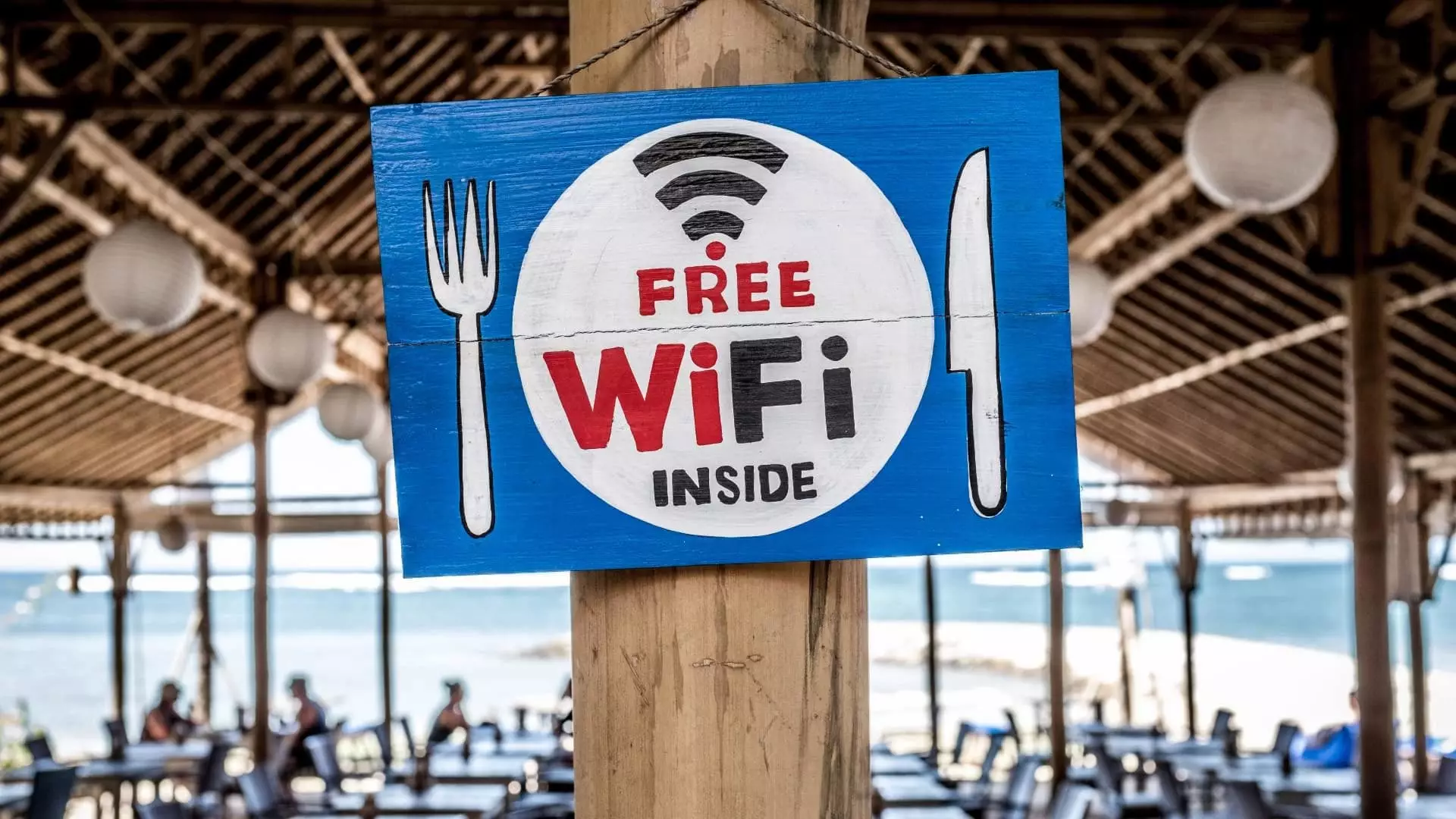
Public Wi-Fi allows you to access the Internet for free. There are a tremendous number of risks that go along with these networks. Business owners may believe they’re providing a valuable service to their customers, but chances are the security on these networks is lax or non-existent.
Free Wi-Fi is a common offering at public places like coffee shops, airports, and trains (including The Underground). Going online without having to use mobile data is a benefit that encourages connecting to these networks.
Picture this. It’s Saturday morning and you’re hanging out at your local coffee shop using the free Wi-Fi to catch up on a few tasks you couldn’t quite get to during your busy week. Sound familiar? This is a typical scenario for many of us, but did you know you might be unaware of some threats lurking in the background on public Wi-Fi while you balance your bank account and sip a latte?
The Norton Wi-Fi Risk Report found that in the UK:
- 29% of people have used public Wi-Fi to check their bank accounts
- 42% of people can’t wait more than a few minutes to log onto a Wi-Fi network when they arrive somewhere new
- 64% of people have used public Wi-Fi to log in to their personal email accounts
- 55% of people say access to a strong Wi-Fi network is a deciding factor when choosing a holiday rental or hotel
What is public Wi-Fi?
Public Wi-Fi can be found in popular public places like airports, coffee shops, malls, restaurants, and hotels – and it allows you to access the Internet for free. These “hotspots” are so widespread and common that people frequently connect to them without thinking twice. Although it sounds harmless to log on and check your social media account or browse some news articles, everyday activities that require a login – like reading e-mail or checking your bank account – could be risky business on public Wi-Fi.
Open Wi-Fi networks
Open or unsecured Wi-Fi networks allow anyone to connect without entering a password. These networks lack encryption and pose significant security risks. When you connect to an open network, your data is transmitted in an unencrypted form, meaning someone who intercepts it will have an easier time reading it.
Secured Wi-Fi networks
Secured Wi-Fi networks use encryption protocols to protect your private data, providing higher levels of security. Secured networks require login details like a password for access, and users may need to agree to terms and conditions. When you connect to a secured network, the encryption it uses makes it difficult for cybercriminals to understand and misuse your data.
What are the risks?
The problem with public Wi-Fi is that there are a tremendous number of risks that go along with these networks. While business owners may believe they’re providing a valuable service to their customers, chances are the security on these networks is lacking or, worse, non-existent.
When using free public Wi-Fi or any unsecured Wi-Fi network, your private information is at risk. Unsecured Wi-Fi networks are prime targets for cybercriminals, because unsecured network traffic is easier to intercept. Awareness of the risks of public Wi-Fi is the first step toward safeguarding your privacy when using public hotspots.
Man-in-the-Middle attacks
One of the most common threats on these networks is called a Man-in-the-Middle (MitM) attack. Essentially, a MitM attack is a form of eavesdropping. When a computer makes a connection to the Internet, data is sent from point A (computer) to point B (service/website), and vulnerabilities can allow an attacker to get in between these transmissions and “read” them. So what you thought was private no longer is.
Unencrypted networks
Encryption means that the information that is sent between your computer and the wireless router are in the form of a “secret code,” so that it cannot be read by anyone who doesn’t have the key to decipher the code. Most routers are shipped from the factory with encryption turned off by default, and it must be turned on when the network is set up. If an IT professional sets up the network, then chances are good that encryption has been enabled. However, there is no surefire way to tell if this has happened.
Malware distribution
Thanks to software vulnerabilities, there are ways that attackers can slip malware onto your computer without you even knowing. A software vulnerability is a security hole or weakness found in an operating system or software program. Hackers can exploit this weakness by writing code to target a specific vulnerability, and then inject the malware onto your device.
Snooping and sniffing
Wi-Fi snooping and sniffing is what it sounds like. Cybercriminals can buy special software kits and even devices to help assist them with eavesdropping on Wi-Fi signals. This technique can allow the attackers to access everything that you are doing online — from viewing whole webpages you have visited (including any information you may have filled out while visiting that webpage) to being able to capture your login credentials, and even hijack your accounts.
Malicious hotspots
These “rogue access points” trick victims into connecting to what they think is a legitimate network because the name sounds reputable. Say you’re staying at the Goodnyght Inn and want to connect to the hotel’s Wi-Fi. You may think you’re selecting the correct one when you click on “GoodNyte Inn,” but you haven’t. Instead, you’ve just connected to a rogue hotspot set up by cybercriminals who can now view your sensitive information.
Evil twin attack
An evil twin attack is when a hacker tries to trick you into connecting to a fake Wi-Fi access point that mimics a legitimate one. These can be very convincing by using the exact name, or a very close match, of the legitimate network you’re trying to access. If you connect to a hacker’s fake hotspot, they’ll likely be able to spy on whatever data you send over the fake network.
How to stay safe on public Wi-Fi
You need to take extra precautions when connecting to free Wi-Fi. Even if a public Wi-Fi connection is secured, vulnerabilities and threats may still exist.
The best way to know your information is safe while using public Wi-Fi is to use a virtual private network (VPN), like Norton VPN (free) or NordVPN (subscription), when surfing on your PC, Mac, smartphone or tablet.
If you must use public Wi-Fi without VPN, follow these tips to protect your information.
Avoid sensitive transactions
When connected to public Wi-Fi, avoid accessing sensitive websites or conducting financial transactions. Refraining from sensitive activities on public Wi-Fi minimises the risk that your communications are exposed.
Confirm Wi-Fi network names
Remember the evil twin attacks where cybercriminals set up fake Wi-Fi networks? Always double-check that the Wi-Fi network name is exactly what you expect. And since fake networks can look identical, you should use a virtual private network (VPN) on public Wi-Fi so that your data is encrypted should you accidentally connect to a fake network.
Use a VPN
But it’s not just evil twin attacks and MitM attacks you need to watch out for. Cybercriminals have other ways to intercept your private data. Use a VPN on public Wi-Fi to help boost your privacy and protect the personal information you share online. VPNs like Norton VPN and NordVPN act as a secure tunnel through which your communications travel, helping to ensure that they remain confidential and protected from prying eyes.
Use reliable antivirus software
Even though a VPN can mask your data, there’s still the risk of malicious links and downloads hiding online. Use an award-winning antivirus like Norton 360 Deluxe to help keep your devices safe from malware. Norton 360 also features a built-in VPN and other tools, so you get multiple layers of protection in a single, lightweight app.
Switch off auto-connect
Most devices will have an auto-connect feature, allowing them to connect automatically if you’re in range of Wi-Fi. Make sure this feature is switched off so you don’t accidentally connect to an open or another public Wi-Fi network you previously joined.
To recap and summarise...
Don't:
- Allow your Wi-Fi to auto-connect to networks
- Log into any account via an app that contains sensitive information. Go to the website instead and verify it uses HTTPS before logging in
- Leave your Wi-Fi or Bluetooth on if you are not using them
- Access websites that hold your sensitive information, such as such as financial or healthcare accounts
- Log onto a network that isn’t password protected
Do:
- Disable file sharing
- Only visit sites using HTTPS
- Log out of accounts when done using them
- Use a VPN, like Norton VPN or NordVPN, to make sure your public Wi-Fi connections are made private